The Pragmatic Guide to Getting Started in Bug Bounty Hunting
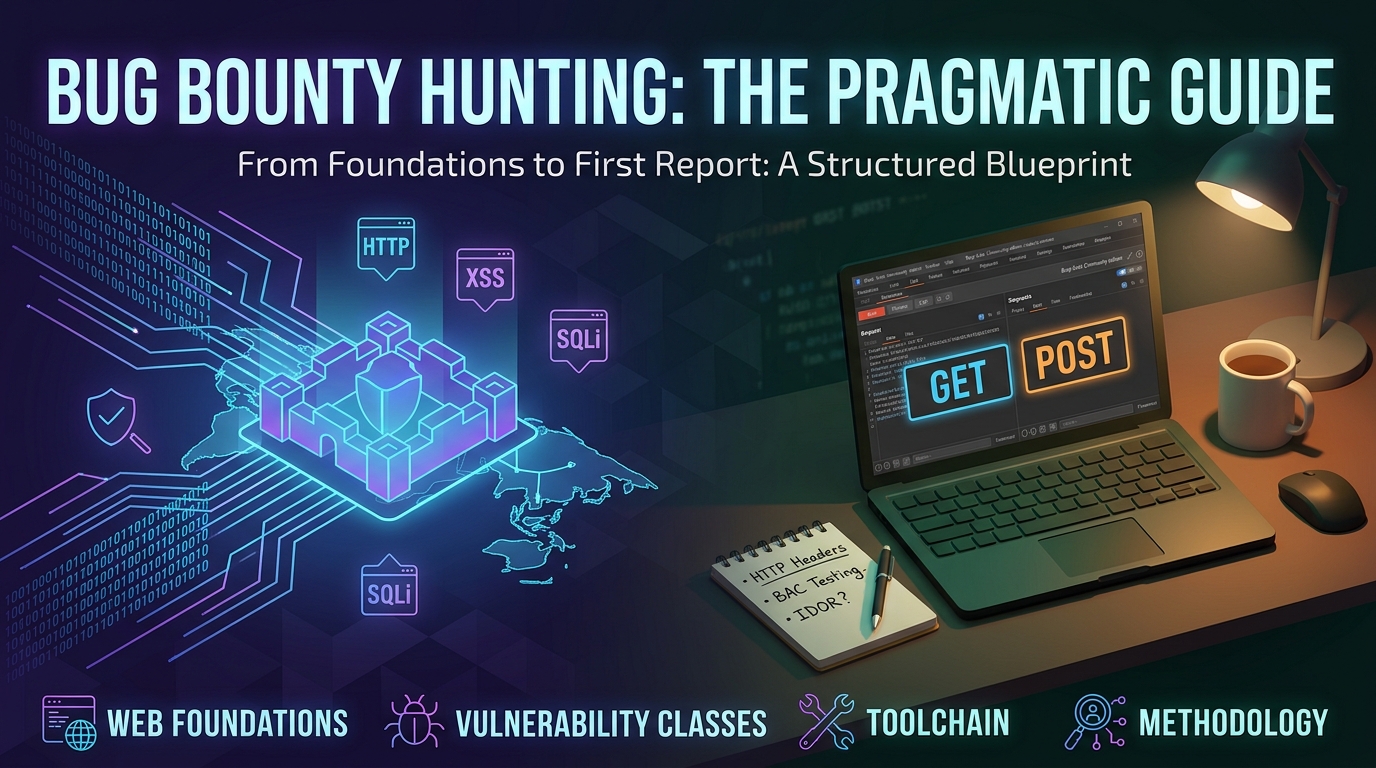
Bug bounty hunting is often sensationalized on social media as a get-rich-quick hack where you run an automated script, find a critical flaw, and collect a four-figure bounty within an hour. The reality is different: bug bounty hunting is software engineering in reverse. It is the art of understanding web architectures, business logic, and protocols so thoroughly that you can identify edge cases, assumptions, and oversights that developers missed. If you are starting from zero, here is a structured, practical blueprint to guide you from fundamentals to submitting your first valid vulnerability report.
How to Begin Bug Bounty Hunting: The Pragmatic Guide
Bug bounty hunting is often sensationalized as a get-rich-quick hack where you run an automated script, find a critical flaw, and collect a four-figure bounty within an hour.
The reality is different: bug bounty hunting is software engineering in reverse. It is the art of understanding web architectures, business logic, and protocols so thoroughly that you can identify edge cases, assumptions, and oversights that developers missed.
This guide outlines a structured, practical blueprint to take you from foundational understanding to submitting your first triaged vulnerability report.
---
1. Mindset & Ground Rules
Before running security tools, understand the rules of engagement:
- Automation alone rarely pays: Thousands of bots run automated scanners (
nuclei,nmap, public wordlists) within seconds of a new program launching. Your competitive advantage as a human hunter lies in manual testing, business logic analysis, and deep feature exploration. - Duplicates are part of the learning curve: Finding bugs that were recently reported validates that your methodology is working.
- Strict Scope Adherence: Never touch assets outside the defined scope. Never exfiltrate real user data, alter production records, or disrupt service availability (DoS). Follow [[pentesting-methodologies]] and ethical boundaries.
---
2. Phase 1: Web & Protocol Foundations
You cannot identify flaws in a system without knowing how it functions under normal conditions.
Essential Concepts:
- HTTP/HTTPS Protocol Mechanics:
- Methods:
GET,POST,PUT,DELETE,PATCH,OPTIONS. - Headers:
Authorization,Cookie,Origin,Host,Content-Type,X-Forwarded-*. - Status Codes:
2xx(Success),3xx(Redirects),4xx(Client Errors like 401/403),5xx(Server Errors).
- Browser Security Model:
- Same-Origin Policy (SOP).
- Cross-Origin Resource Sharing (CORS) headers (
Access-Control-Allow-Origin,Access-Control-Allow-Credentials). - Cookie flags:
HttpOnly,Secure,SameSite(Strict,Lax,None).
- Authentication & Session Management:
- Cookies and session tokens vs. Stateless Auth (JWTs, OAuth 2.0, OIDC).
- Multi-Factor Authentication (MFA) workflows and session invalidation rules.
---
3. Phase 2: Master Core Vulnerability Classes
Focus on 3–4 high-impact vulnerability classes that require human reasoning rather than trying to memorize everything at once:
1. Insecure Direct Object References (IDOR / BOLA)
- Mechanism: Exposing an internal object parameter (e.g.,
user_id=1042oraccount_id=UUID) without enforcing server-side ownership checks. - Why it matters: Common in modern REST/GraphQL APIs and cannot easily be discovered by automated scanners.
2. Broken Access Control (BAC) & Privilege Escalation
- Horizontal Escalation: User A executes actions or views data belonging to User B at the same privilege level.
- Vertical Escalation: A low-privilege user accesses admin-only endpoints (
/admin/users/export, hidden API routes).
3. Business Logic Flaws
- Mechanism: Exploiting gaps in business workflows (e.g., negative coupon codes, skipping checkout validation steps, race conditions on credits/balances).
- Why it matters: High-value, low false-positive rate, and purely dependent on human analysis.
4. Client-Side & Injection Flaws
- [[xss|Cross-Site Scripting (XSS)]]: Injecting malicious scripts into user sessions. Check out [[xss-payloads]] for common testing vectors.
- [[sqli|SQL Injection (SQLi)]]: Manipulating backend queries when input is concatenated directly.
- [[path-traversal|Path Traversal]] & [[file-upload-vulnerabilities|File Upload Vulnerabilities]]: Abusing upload endpoints and file handling mechanisms.
---
4. Phase 3: The Lean Toolchain
Keep your initial tooling focused. Avoid bloated automation suites until your manual workflow is solid:
- Interception Proxy (
[[security-tools]]): Burp Suite Community / Caido - Role: Intercept, inspect, modify, and replay raw HTTP/HTTPS traffic.
- Subdomain Enumeration (
[[recon-methodology]]): Subfinder / Amass - Role: Passive and active subdomain discovery across public feeds and DNS resolvers.
- Host & Service Probing (
[[recon-methodology]]): HTTPX - Role: Filter live web servers, probe status codes, response titles, and technology stacks.
- Directory & Parameter Fuzzing (
[[web-fuzzing]]): ffuf - Role: High-speed brute-forcing for hidden routes, API endpoints, and query parameters.
- URL & Endpoint Harvesting (
[[recon-methodology]]): waybackurls / gau - Role: Extract historical endpoints and parameters from Wayback Machine & AlienVault archives.
- Browser Utilities (
[[security-tools]]): FoxyProxy, Wappalyzer - Role: Instant proxy profile switching and on-the-fly client-side tech stack detection.
---
5. Phase 4: Training & Lab Environments
Practice systematically in isolated lab environments before hunting on live programs:
- PortSwigger Web Security Academy: The primary training ground. Complete the Apprentice and Practitioner labs for Access Control, Authentication, XSS, and SSRF.
- Hacker101 CTF: Free CTF tracks that award invitations to private HackerOne programs.
- TryHackMe & Hack The Box: Practical web tracks and vulnerable machine rooms.
- Public Write-ups & Hacktivity: Read disclosed reports on HackerOne Hacktivity and PentesterLand. Review [[bug-bounty-bootcamp-notes]] and [[bug-bounty-handbook]].
---
6. Phase 5: Target Selection & Scoping
When ready to hunt on platforms (HackerOne, Bugcrowd, Intigriti):
- Start with VDPs (Vulnerability Disclosure Programs): Unpaid, points-based programs have lower competition and are ideal for learning how triage teams operate.
- **Wide Scope (
*.target.com):** Practice asset discovery, finding staging environments, unlinked subdomains, and forgotten endpoints. - Narrow Scope (
app.target.comonly): Focus on deep feature exploration, multi-role testing, and business logic.
---
7. Phase 6: Manual Testing Methodology
A reliable, repeatable workflow:
- Scope Check: Confirm target asset is explicitly listed under in-scope assets.
- Multi-Account Setup: Create at least two accounts with different permission levels (e.g., Admin and Standard User, or User A and User B).
- Feature Mapping: Browse the entire application with your proxy running. Click every link, submit every form, change every profile setting.
- Traffic Review: Inspect the HTTP proxy history to identify state-changing requests (
POST/PUT/DELETE), endpoints handling IDs, and API routes. - Targeted Testing: Test one vulnerability class systematically across all mapped endpoints before switching focus.
---
8. Phase 7: Writing a Triaged Report
Triage teams value precision and clarity. A high-quality report accelerates validation and payouts.
Standard Report Template:
# [Vulnerability Type] on [Target Endpoint] allows [Impact Summary]

## Summary
Brief 2-3 sentence description of the vulnerability and high-level risk.

## Vulnerability Details
- **Target URL:** `https://app.target.com/api/v1/workspaces/{id}/members`
- **Vulnerability Class:** Insecure Direct Object Reference (IDOR)
- **Affected Parameter:** `id` / `workspace_id`

## Steps to Reproduce
1. Log into Account A (`user1@example.com`) and create a workspace. Note workspace ID `1052`.
2. Log into Account B (`user2@example.com`) and create a private workspace `2099`.
3. In Account A's session, send a POST request to `/api/v1/workspaces/2099/members` containing Account A's auth token.
4. Verify that Account A adds an unauthorized user to Account B's private workspace.

## Business Impact
Demonstrate the concrete security risk (e.g., unauthorized data exposure, tenant boundary bypass).

## Remediation
Enforce server-side authorization checks ensuring the requesting session owns the target resource.
---
9. 4-Week Jumpstart Plan
A structured (~1 hr/day) progression from foundations to your first live hunt:
Week 1 — Web Fundamentals & Proxy Setup
- Core Focus: HTTP protocol fundamentals, cookie security flags, and interception workflow.
- Action Items: Configure Burp Suite / Caido certificate; complete PortSwigger HTTP basics and Authentication apprentice labs.
Week 2 — Access Control & IDOR Deep-Dive
- Core Focus: Broken access control, vertical/horizontal privilege escalation, and BOLA/IDOR patterns.
- Action Items: Complete PortSwigger Access Control labs; practice multi-account permission testing on local/demo applications.
Week 3 — Reconnaissance & Asset Discovery
- Core Focus: Attack surface mapping, subdomain enumeration, and historical endpoint harvesting.
- Action Items: Build a CLI recon pipeline using
subfinder,httpx, andffuf; crawl target history withgau.
Week 4 — First Live Target & Report Drafting
- Core Focus: Program scope verification, manual business logic testing, and triage communication.
- Action Items: Select an active VDP on HackerOne/Bugcrowd, map all features with your proxy, test for logic flaws, and draft a structured report.
---
Cross-References
- Full Roadmap: [[bug-bounty-roadmap]]
- Study Hub: [[bug-bounty]]
- Recon Pipeline: [[recon-methodology]]
- Tooling Reference: [[security-tools]]
- Fuzzing Guide: [[web-fuzzing]]
Sign in to like and join the discussion.